Home / DeckDisplay
Windows PC
BeatVault DeckDisplay
A now playing overlay for DJ live streams. Play a track in Serato DJ, VirtualDJ or Rekordbox and it appears on your stream, with the cover, BPM and key, in a look you design yourself. Nothing to type, no accounts, no online playlist.
- Reads your DJ software on your PCWorks with Serato DJ, VirtualDJ and Rekordbox. DeckDisplay reads the history they keep on your PC, so there's no online playlist to set up and your set stays private. Open your DJ software and DeckDisplay finds it by itself.
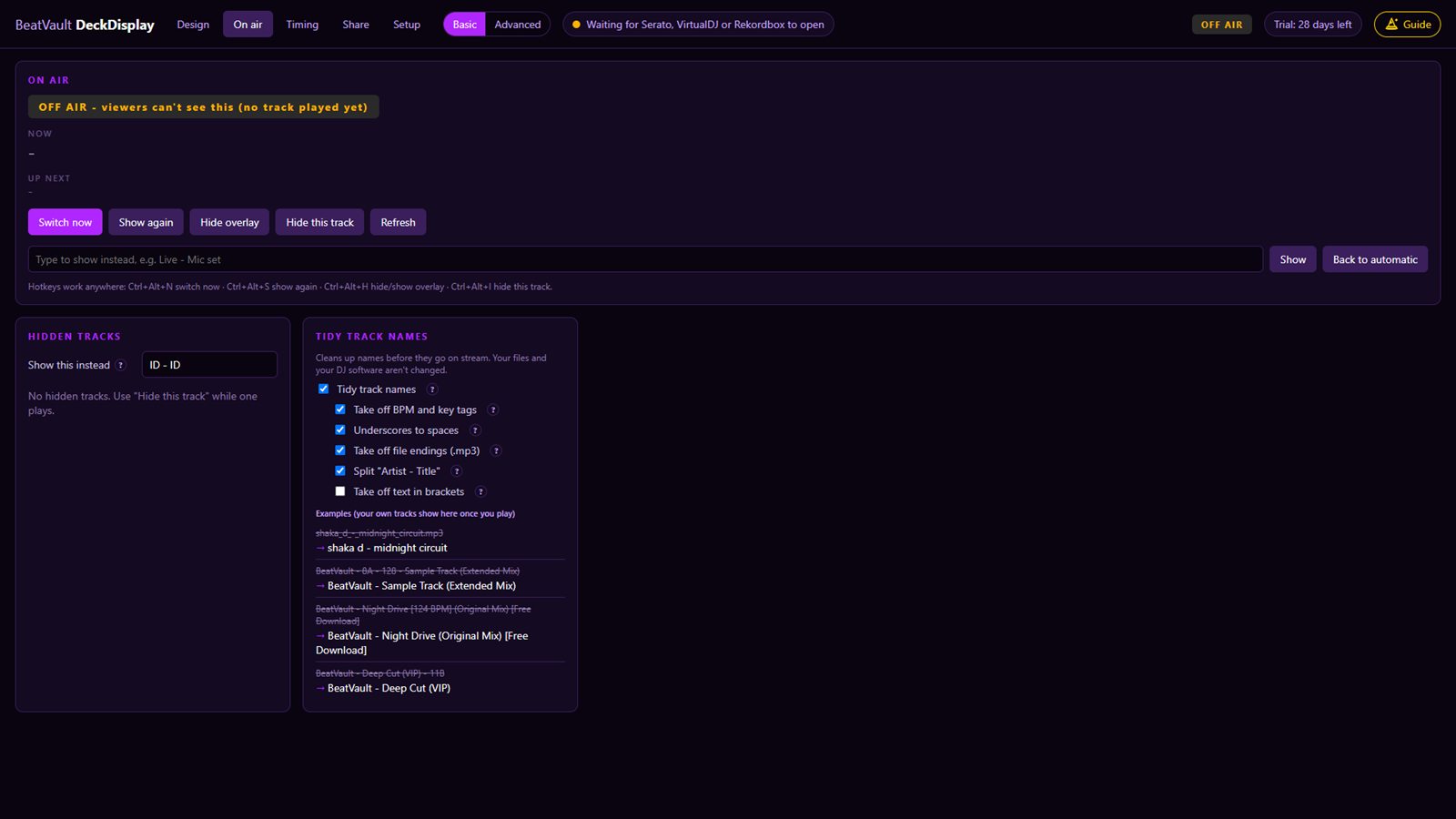
- Knows when you're blendingWhile two tracks overlap, the card shows Now and Up next, and switches when the old track is done. Up to four decks. Press Switch now (or Ctrl+Alt+N) any time.
- Optional controller helpTeach DeckDisplay your controller's faders and Play / CUE buttons, and it switches the moment you fade a deck out. A quick tease or cut doesn't give the next track away: a new track waits until its fader has stayed up for a few seconds.
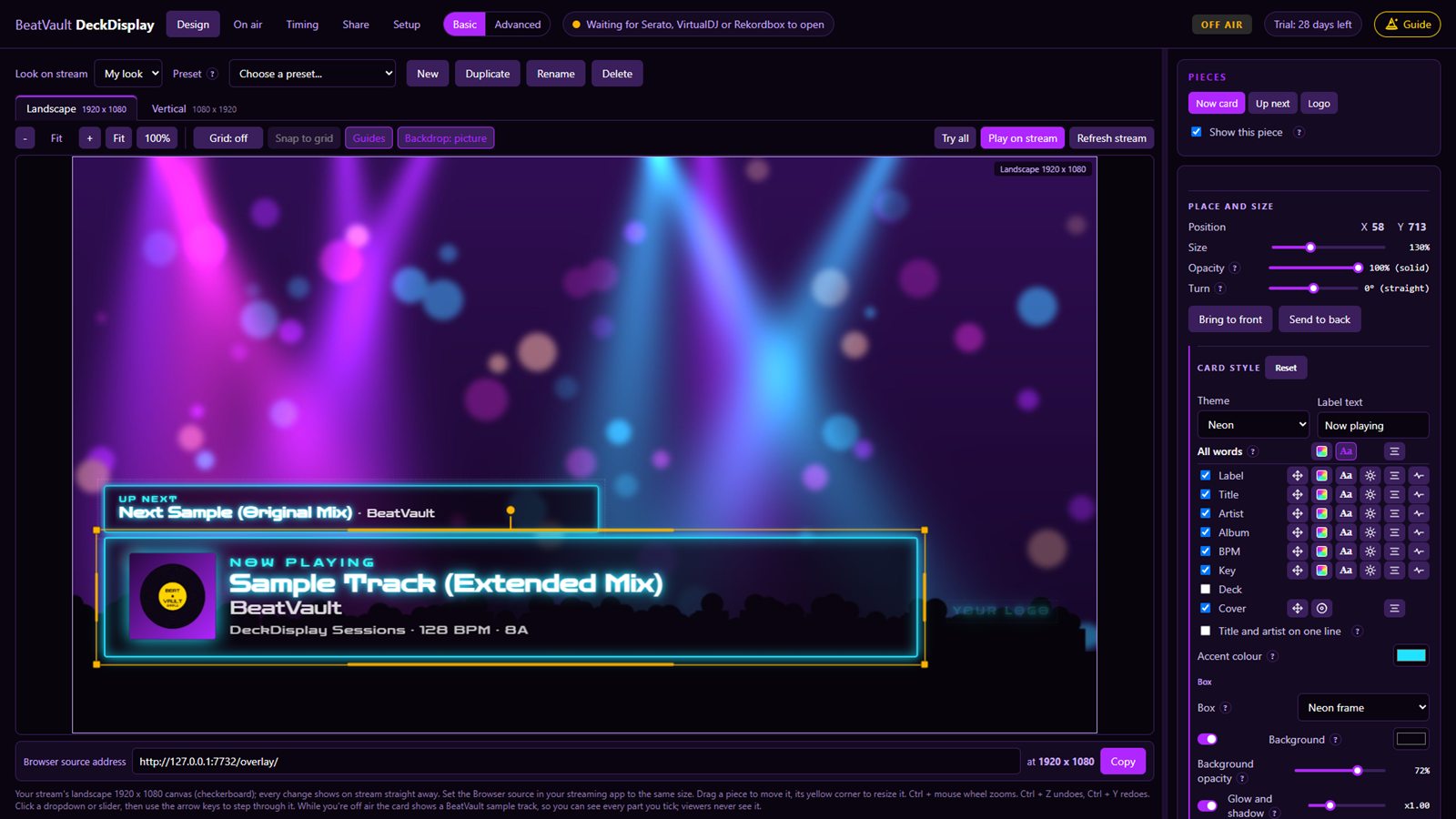
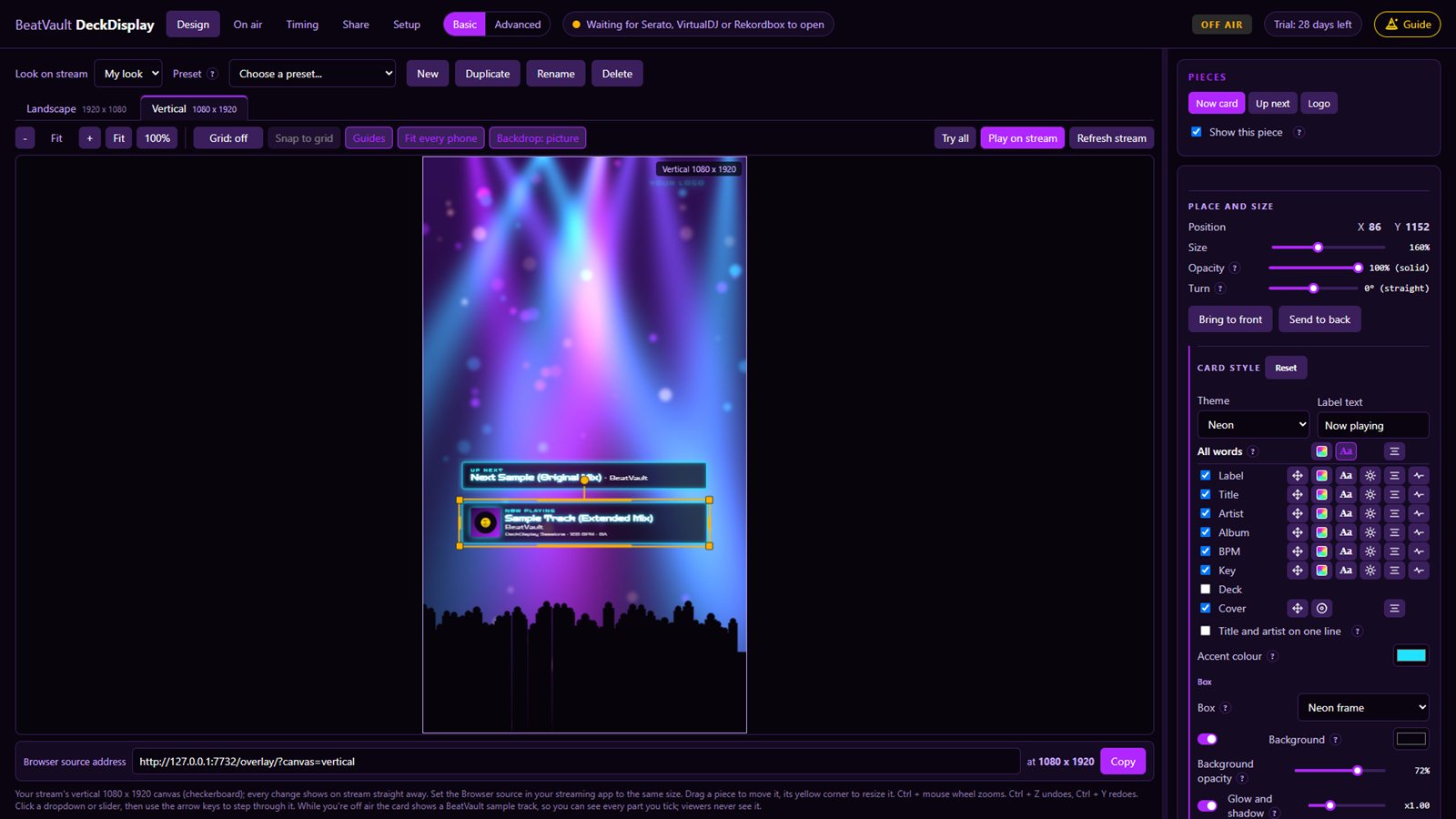
- Design it on your streamA copy of your stream canvas in the app: drag, resize and turn the Now card, Up next and your logo, with smart guides and snap. Show your stream behind it while you design: your streaming app's virtual camera or, for OBS, the live scene.
- Landscape and VerticalSeparate layouts for your usual stream and a vertical one for TikTok, Instagram and YouTube Shorts. Fit every phone keeps the cards clear of the edges that tall phones cut off.
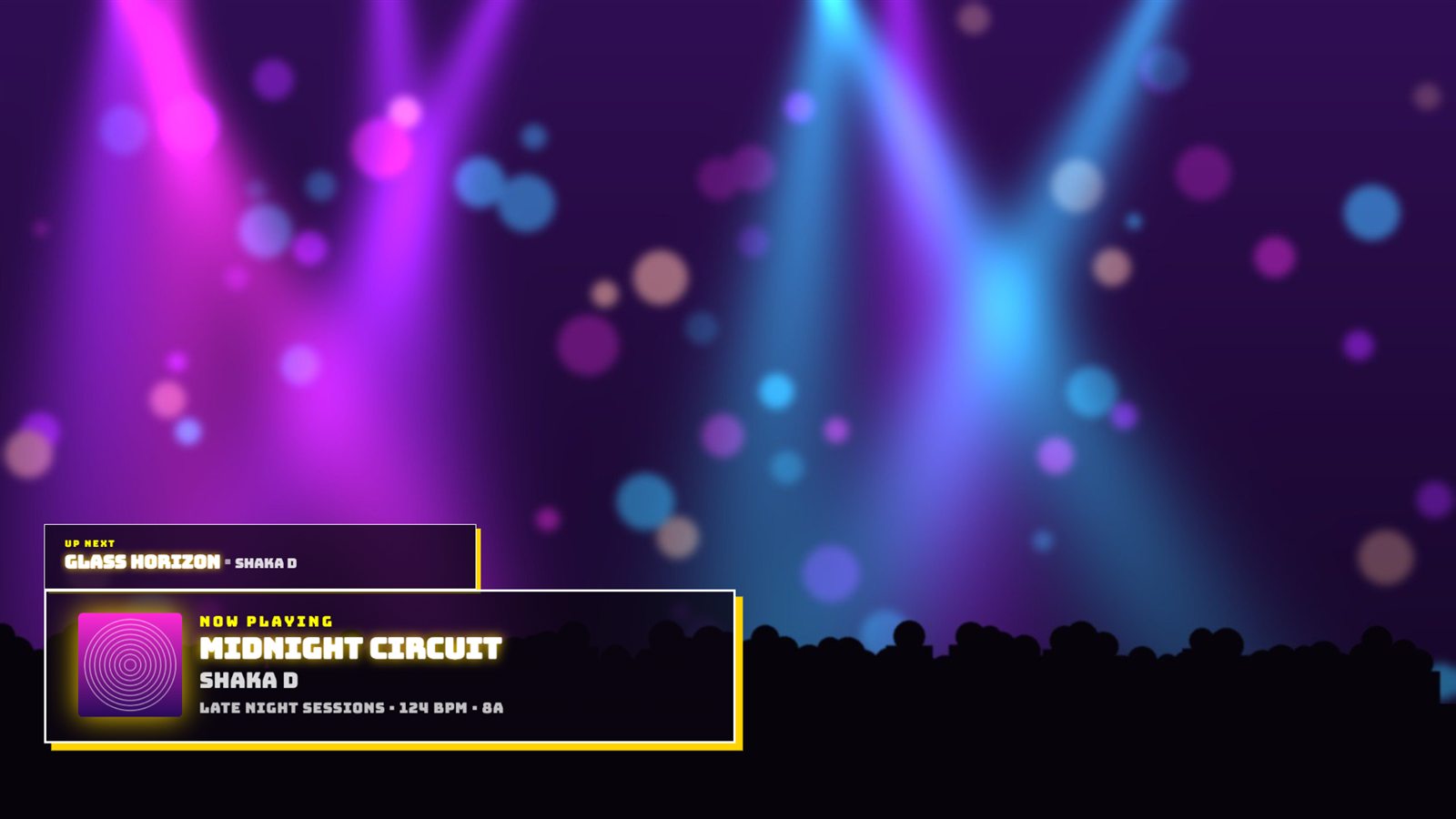
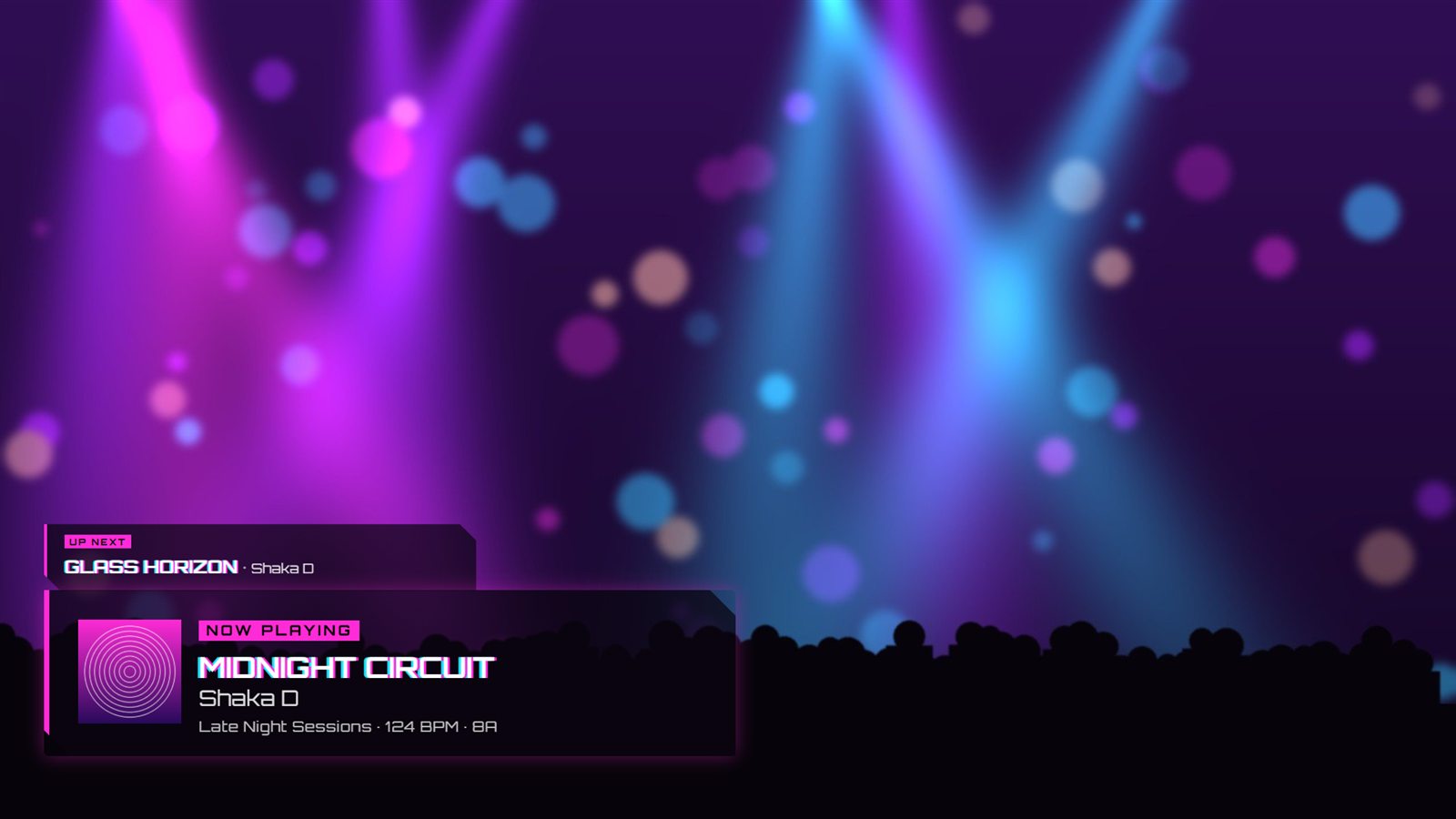
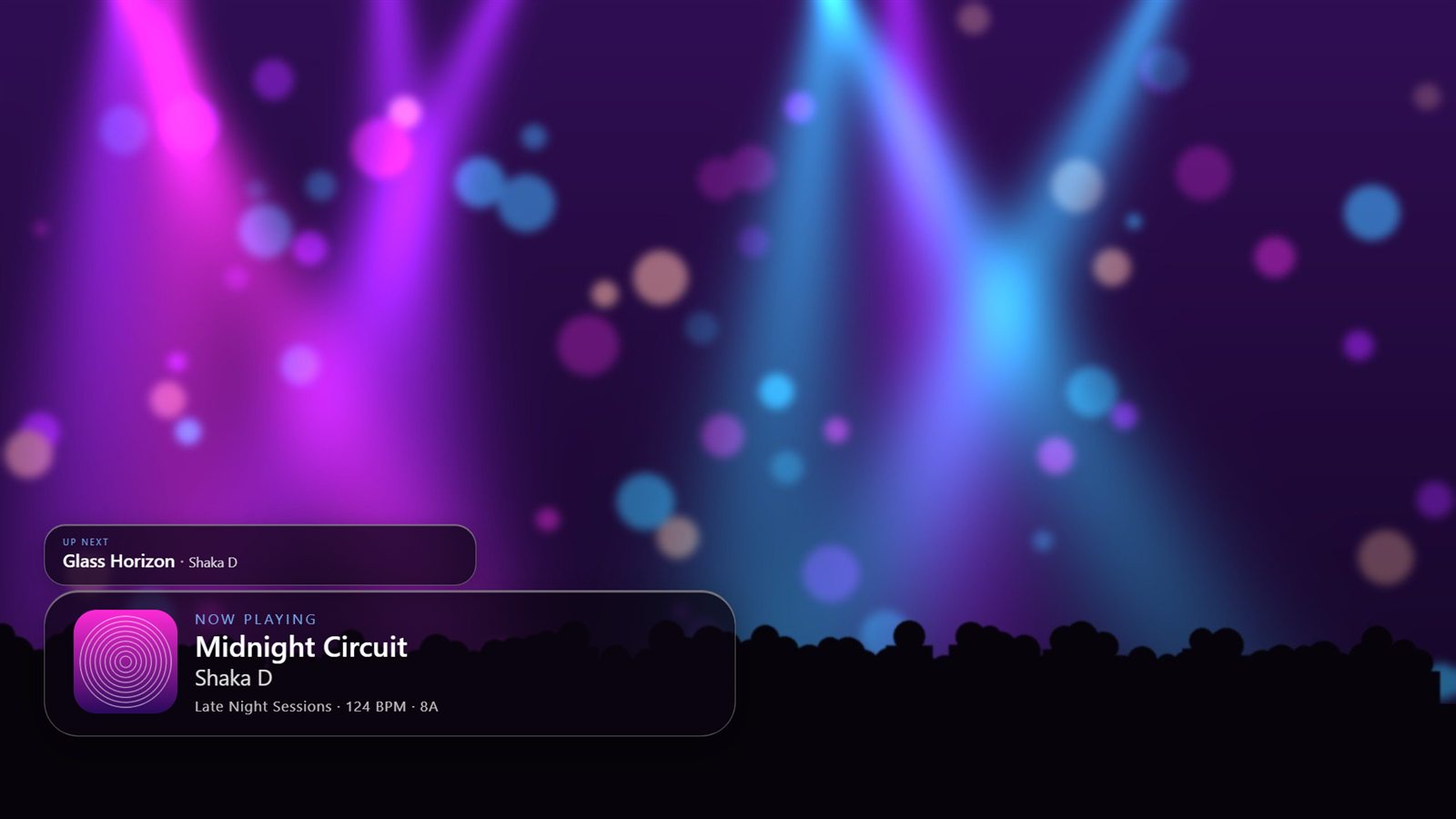
- Your look, down to each lineSeven starting styles, then colour, font (any font on your PC), size, glow and position for every line: label, title, artist, album, BPM, key, deck and cover. Cards can pulse, bounce or glow to the BPM and the cover can spin like a record.
- Moves in and outFade, slide, zoom, flip and more, with letter effects like typewriter and wave. Show the card for the whole track, or for a set time on each change and again every few minutes for viewers who joined late. It hides when the music stops.
- Covers, even when the file has noneDeckDisplay uses the cover inside the file, then looks the track up in free music databases, then falls back to your logo.
- Hide a track, tidy the namesHide this track shows "ID - ID" (or your own words) for an unreleased dub, and remembers it next time. Track tidy strips BPM and key tags, file endings and underscores from messy file names, with a live before / after.
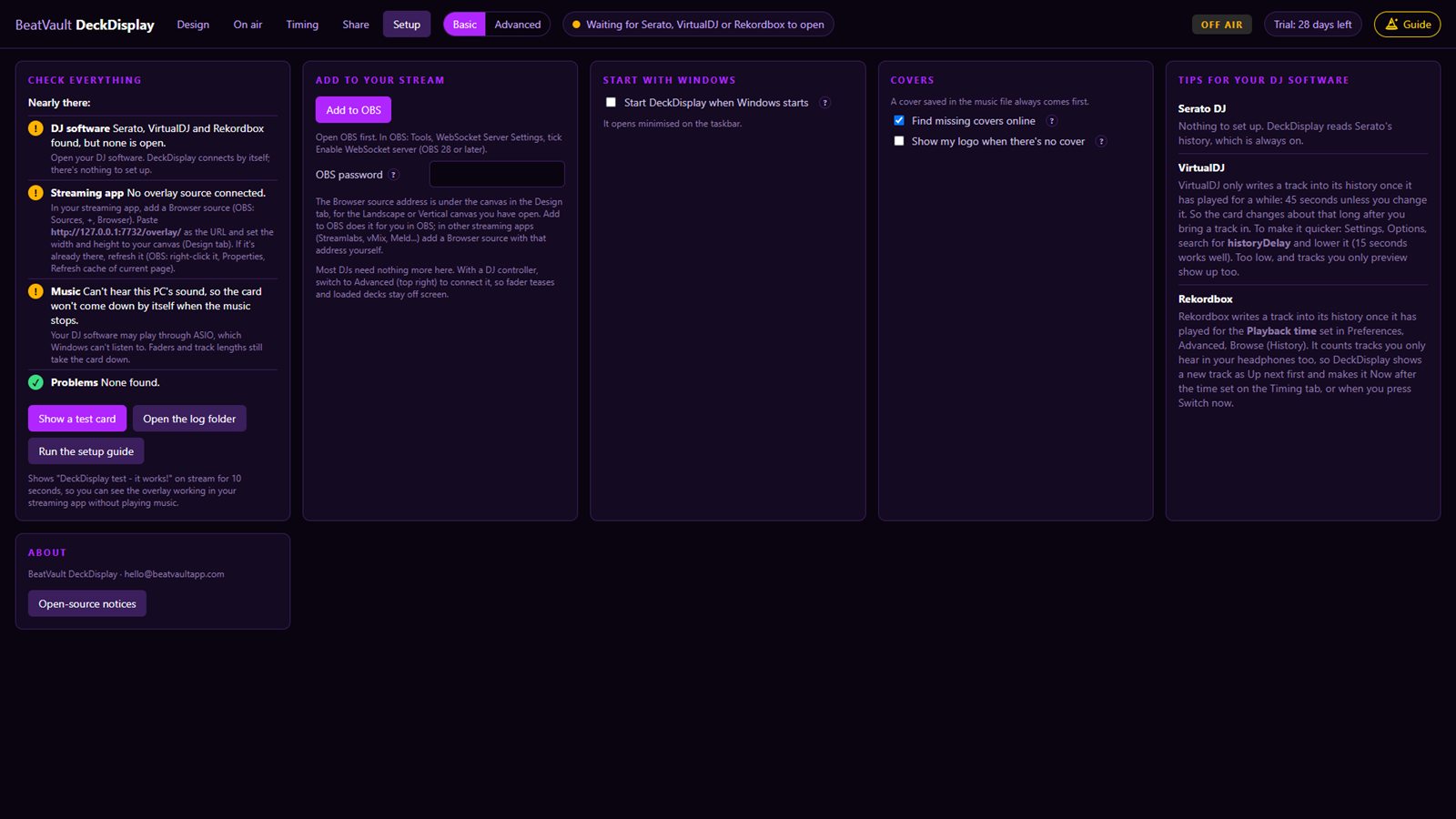
- One click into OBSAdd to OBS puts DeckDisplay in the scene on air at the right size. Streamlabs, vMix, Meld or anything with a browser source: paste one link. Changes show on stream at once, with no refresh.
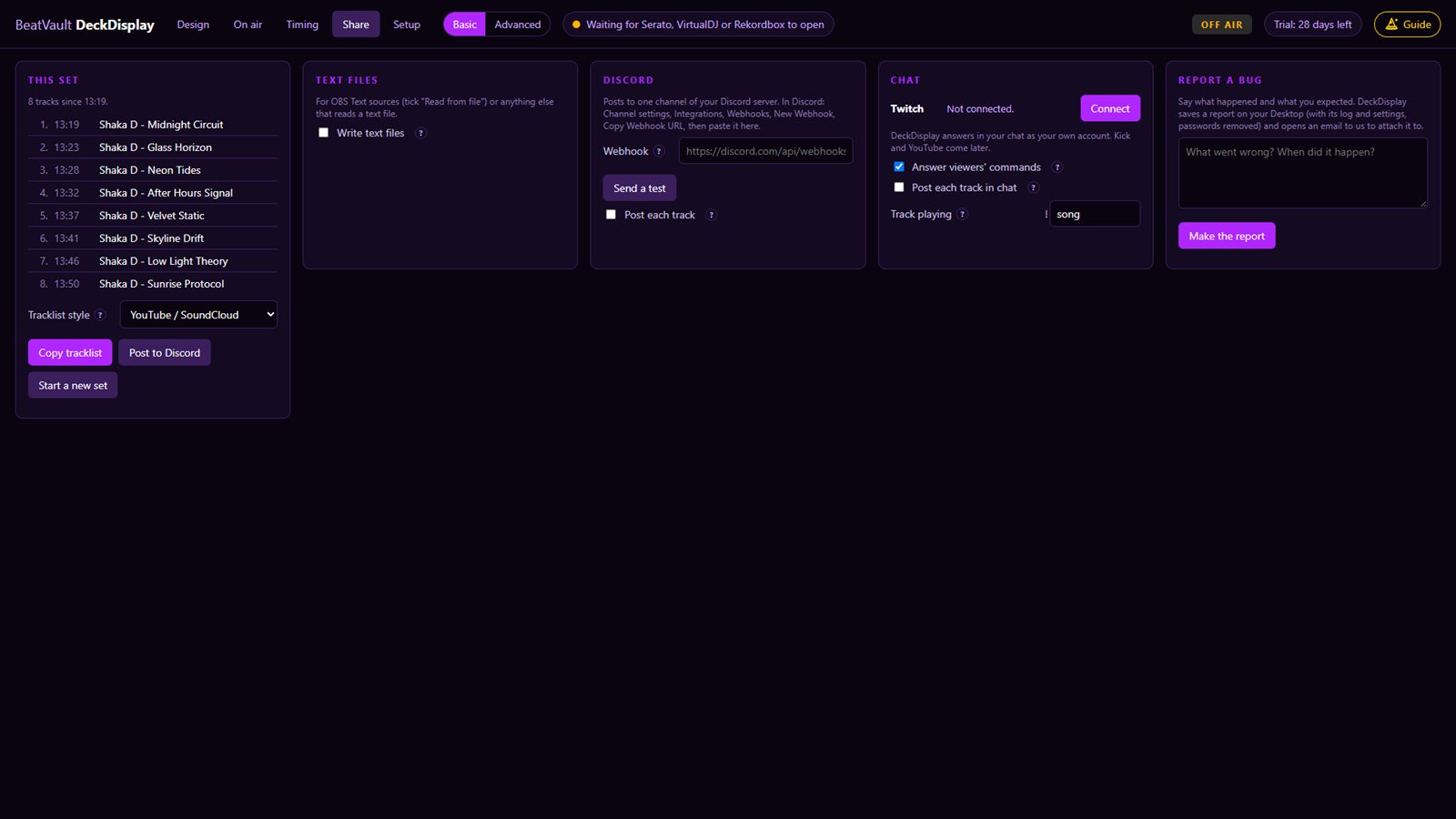
- Share the setCopy a tracklist with timestamps for YouTube, SoundCloud or Mixcloud. Post each track or the whole set to Discord. Text files for OBS text sources.
- Two-PC setupStream from a second PC? Tick one box and OBS on your streaming PC loads the overlay from your DJ PC over your home network. Only the overlay can be reached, and only with the private key in its address.
- Helps you set upA first-time guide, a Check everything button that finds what's wrong and says how to fix it, and Start with Windows.
- Save LooksSave your whole design as a Look, switch Looks in one click, and export or import them to share with other DJs.
Free for 28 days with every feature, no card or sign-up needed. Then a one-off £7.99 lifetime licence (about $10) for one PC. No subscription, no ads. If you don't buy, your stream keeps showing the track in a plain style with a small DeckDisplay credit. Refunds within 14 days, no questions asked. Requires Windows 10 or 11 (64-bit).
Serato DJ, VirtualDJ, Rekordbox, OBS, Twitch and Discord are trademarks of their owners. DeckDisplay is not made by, or connected with, any of them.